HeyCatch Help
Answers to what customers actually ask, kept current by the HeyCatch team. Press ⌘K to search.
Get startedWhat HeyCatch is, what happens after you pay, and how to set up your project.Growth Audit and FoundationYour Product brief, Audience, Competitors, the site, listing and SEO audits, and the Action plan.Videos and postingYour video deck, your own footage, captions, scheduling and failed posts.Social accountsConnecting Instagram, TikTok, YouTube, Facebook, Reddit and X, account health and warm-up.CatchesReply and post drafts for Reddit, X and Threads: how many you get and how to use them.AnalyticsInstalling the SDK, the dashboard, funnels, users, short links and privacy.Analytics install guidesStep-by-step guides for installing HeyCatch analytics on a website builder. One guide per platform, all with the same steps.Plans, credits and billingPrices, payments, credits and credit packs.Cancelling and refundsHow to cancel, what happens after, the refund policy, and deleting your data.Account and supportSigning in, changing your email, notifications, reaching a person, and what is not available yet.Video guidesShort videos on the main screens, with transcripts.ReferenceThe product reference, the refund policy and every limit in one place.
Get started
Start here: your first stepsWatch the 8-minute intro, then follow the task list step by step.What is HeyCatchWhat HeyCatch does, who it is for, and what it does not promise.How organic growth worksWhy we start with organic channels and Reddit, and how long it takes.What happens after you payThe first analysis, how long it takes, and what the app looks like inside.Your task list and what to do nextThe tasks on the home screen and where to start once your documents are ready.Video guides and the intro videoWhere to find the video guides and how to replay the intro.
Growth Audit and Foundation
The documents HeyCatch buildsWhat each document is and where Website and Listing optimization live.Product briefWhat the Product brief is for, how to correct it, and why it does not rescan your site.Audience and CompetitorsWhat these documents hold, adding your own competitors and fixing wrong ones.Editing your documentsWhich documents you can edit, when edits take effect and what they cost.Website optimization (site audit)What the site audit scores, the fix prompt, and letting our crawler through.Re-running Website optimizationRe-runs, previous versions, and why a score or a FAIL does not move.
All of Growth Audit and Foundation
Videos and posting
How videos workWhere videos come from, how many you get and when they publish.Swiping and the deckSwipes, the daily limit, an empty deck and a deck that generates nothing.Shaping what your videos are aboutSteering topics, product details and names, and why the deck has not changed yet.Formats, people and musicChoosing formats, who appears in your videos, and music on slideshows.Your own photos and footageUploading backgrounds, how much of your footage is used, and picking from our library.Captions and hashtagsAdding and editing captions, length limits and hashtags.
Social accounts
Switching or disconnecting an accountDisconnecting a social account, fixing a wrong one, and personal or product accounts.Connecting Instagram, TikTok, YouTube and FacebookHow to connect, Facebook posting, new accounts and changed passwords.Instagram connection problemsLogin loops, a missing account, no username, posts that never publish, account type.TikTok accountsA phone number already in use, and TikTok Business Center accounts.Which Reddit account to useYour own Reddit account or a new one for your brand, and your Reddit bio.Account healthHow the account health score works and how many analyses you get.
Catches
What are catchesReply and post catches, and why HeyCatch does not post to Reddit or X for you.How many catches you getDaily volume, missing catches, why catches stop, and when daily counters reset.Subreddits and keywordsChoosing subreddits and keywords, limits, subreddit rules, and keywords that change.Working a catchRewriting a draft, finishing it, and hiding one you do not want.Threads, LinkedIn and Facebook groupsWhat is supported on Threads, and LinkedIn and Facebook groups.
Analytics
Installing the analytics SDKHow to install, how to tell it worked, when data appears, and what it changes on your site.No build step, no-code and website buildersThe CDN route, builders that cannot run npm, and installing by hand.Mobile appsOne prompt installs analytics in any mobile app: React Native, Expo, Swift, Kotlin or Flutter.Server-side eventsSending events from your backend or over HTTP, and tying them to a channel.The dashboardWhat the dashboard and the journey map show, and why it can look empty.FunnelsOne funnel or two, reading your funnel, and changing its steps.
Analytics install guides
Install analytics on WebflowInstall HeyCatch analytics on Webflow: what you need, the code, where to paste it, publishing and the check.Install analytics on FramerInstall HeyCatch analytics on Framer: what you need, the code, where to paste it, publishing and the check.Install analytics on WordPressInstall HeyCatch analytics on WordPress: what you need, the code, where to paste it, publishing and the check.Install analytics on WixInstall HeyCatch analytics on Wix: what you need, the code, where to paste it, publishing and the check.Install analytics on ShopifyInstall HeyCatch analytics on Shopify: what you need, the code, where to paste it, publishing and the check.Install analytics on CarrdInstall HeyCatch analytics on Carrd: what you need, the code, where to paste it, publishing and the check.
All of Analytics install guides
Plans, credits and billing
Plans and pricesWhat HeyCatch costs, the introductory prices, renewals and switching plans.Payments and receiptsWho processes payments, updating your card, failed payments and receipts.CreditsHow many credits you get, what costs credits, and when they reset or expire.Credit packsBuying extra credits, and asking about a refund on a credit pack.
Cancelling and refunds
How to cancelCancelling your plan, trial or auto-renewal, and what to do if you cannot find the option.After you cancelWhat still works, read-only mode, undoing a cancellation, whether you can pause, and coming back.Refunds: when and how to askWhen a payment is refunded, how to ask, what does not qualify, and your statutory rights.Charges you did not expectUnexpected or double charges, a charge after cancelling, disputing with your bank, and a product we could not analyse.Deleting your account and dataHow to delete your account, what it cancels, and how long we keep data.
Account and support
Signing inSigning in without a password, a code that does not arrive or work, and a blocked site.Your email and team accessFixing a wrong email, paying with the wrong address, and giving a teammate access.Talking to supportHow to reach a person, support hours, and where the help centre is.Emails and notificationsWhich emails and alerts HeyCatch sends and how to change them.Not available yetA mobile app, other languages, AI search tracking, an API and exports.
Video guides
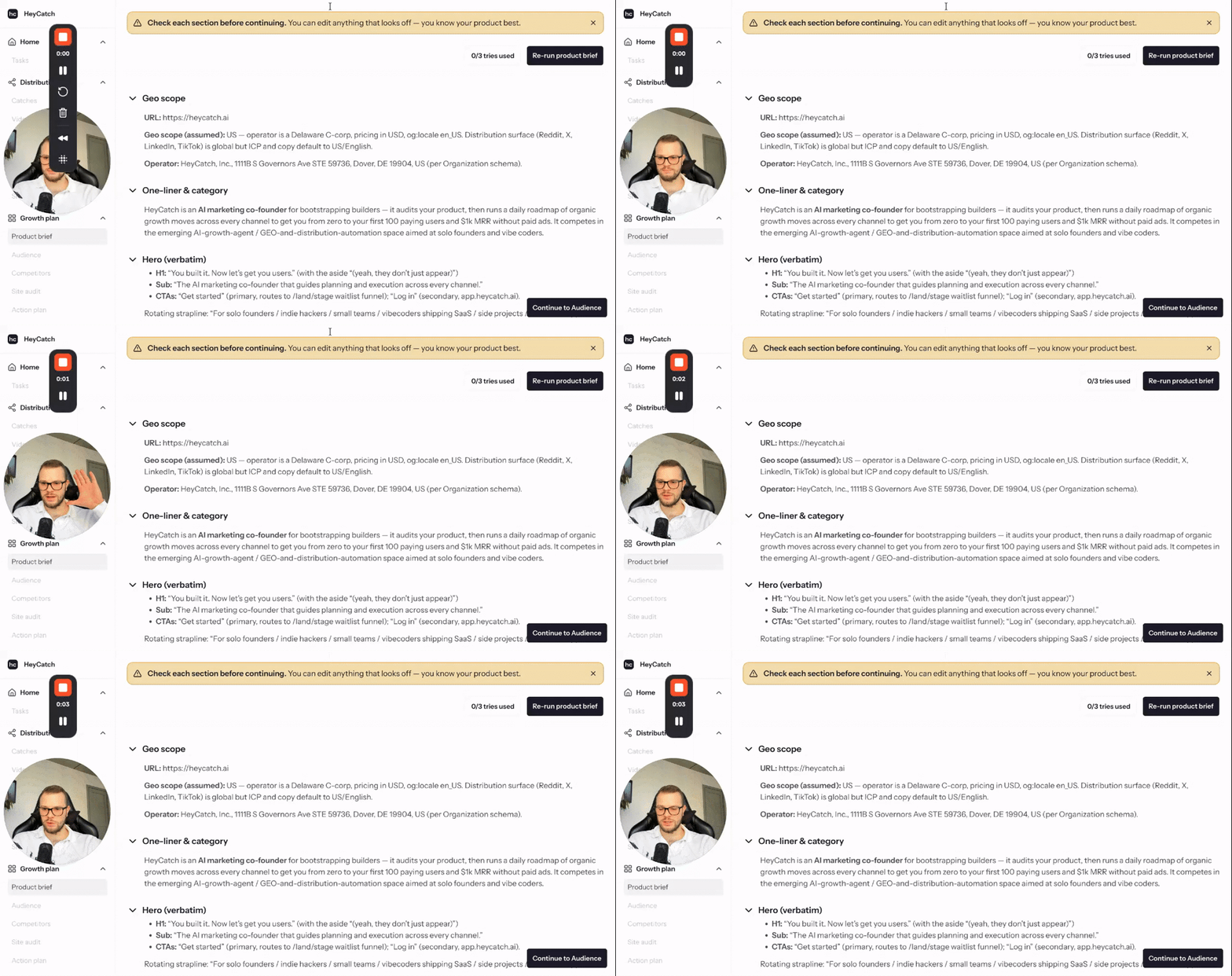 How to set up HeyCatch7 minutes 45 seconds, narrated
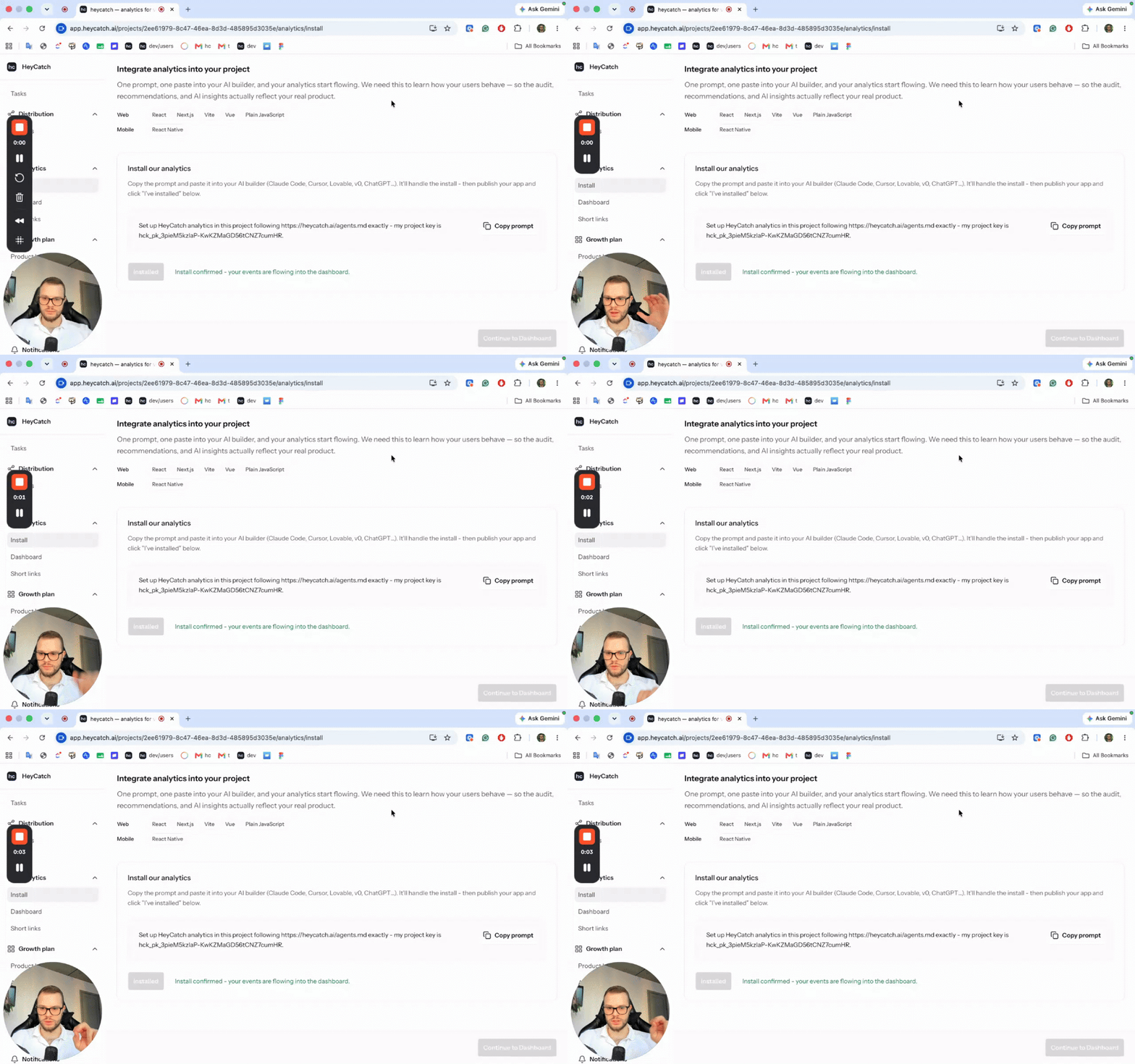 How to install analytics and track users3 minutes 20 seconds, narrated
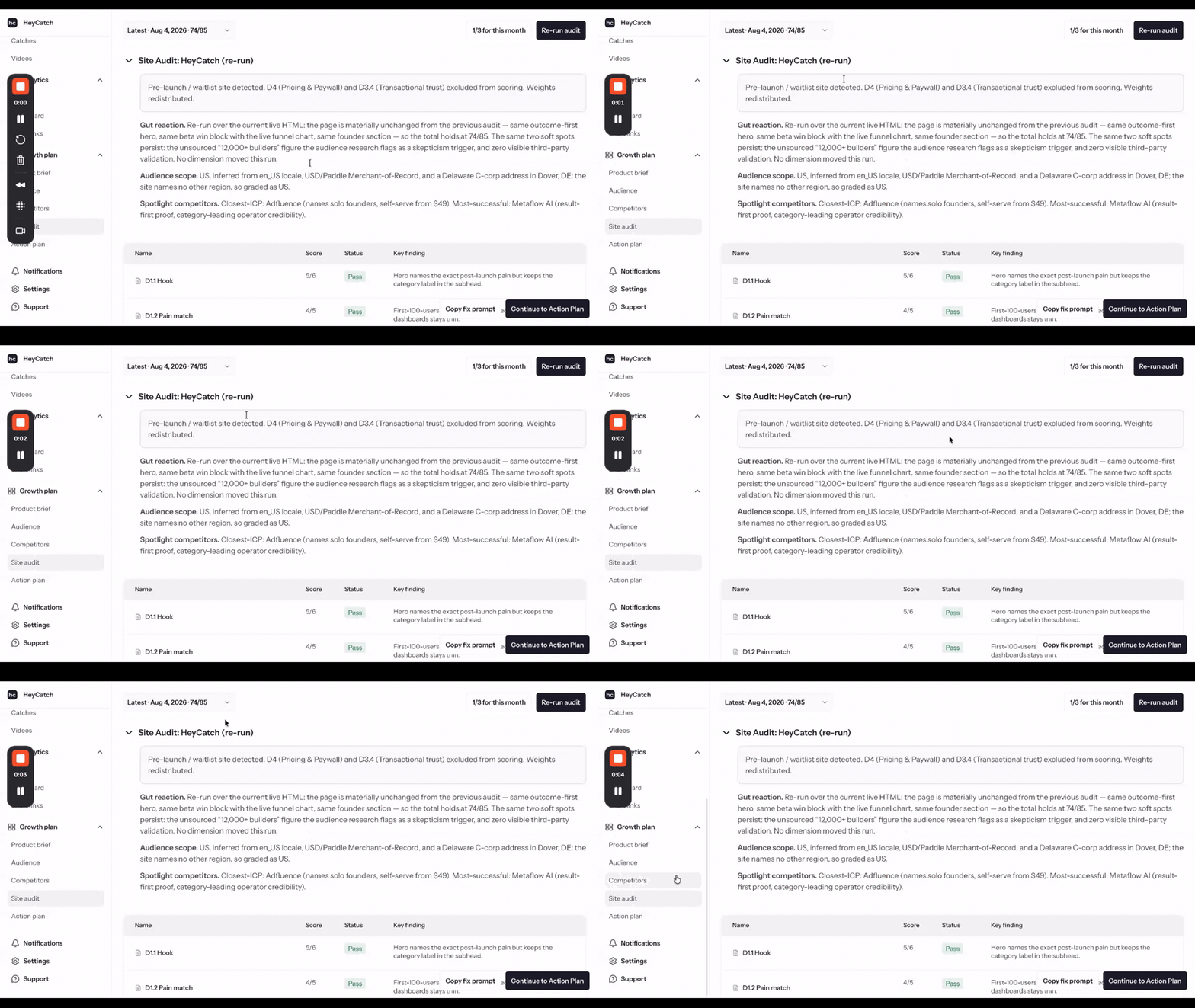 Re-run your site audit62 seconds, narrated
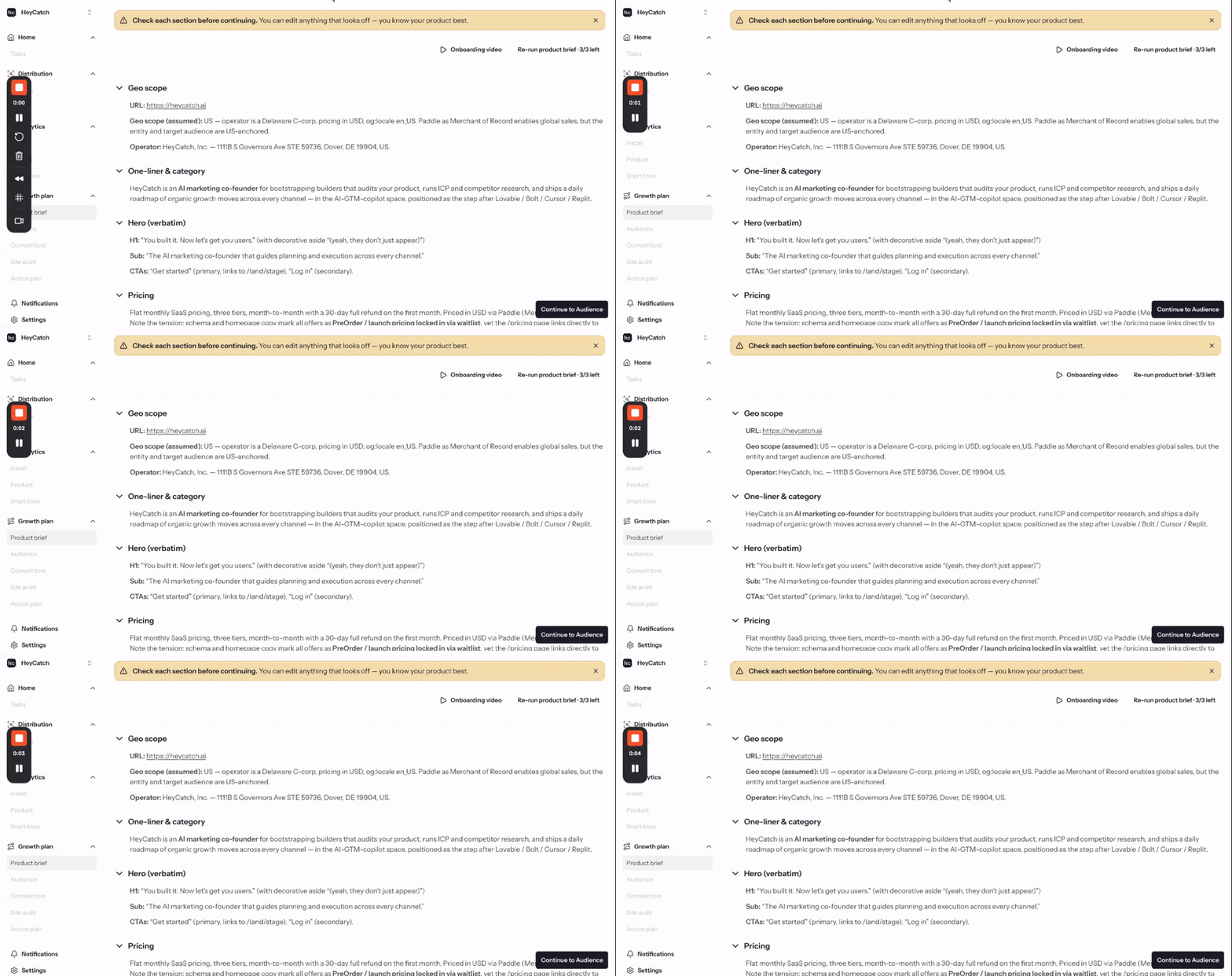 How to change your project link23 seconds, narrated
 How to set up a Reddit account5 minutes 49 seconds, narrated
 How to set up an Instagram, TikTok or YouTube account4 minutes 3 seconds, narrated
Reference
HeyCatch product referenceEverything the product does, in one place. If a question is not covered by the FAQ, the answer is usually here.Refund policy, cancellations and disputed chargesEverything about getting money back: when we refund, when we do not, who processes it, and what to do about a charge you do not recognise. This is the page to read before asking.Every limit and number in one placeThe figures customers ask about most. If a number is quoted anywhere else and it disagrees with this page, this page is right.